ProSavePlus
Scan, Backup, and Share Your Invoices
and Documents in Seconds!
You can use our service to scan, save and share your invoices and documents securely and quickly. Your files will be protected and kept safe with complete data protection. We offer a fast and reliable way to ensure the safety of your important documents.
Contact Us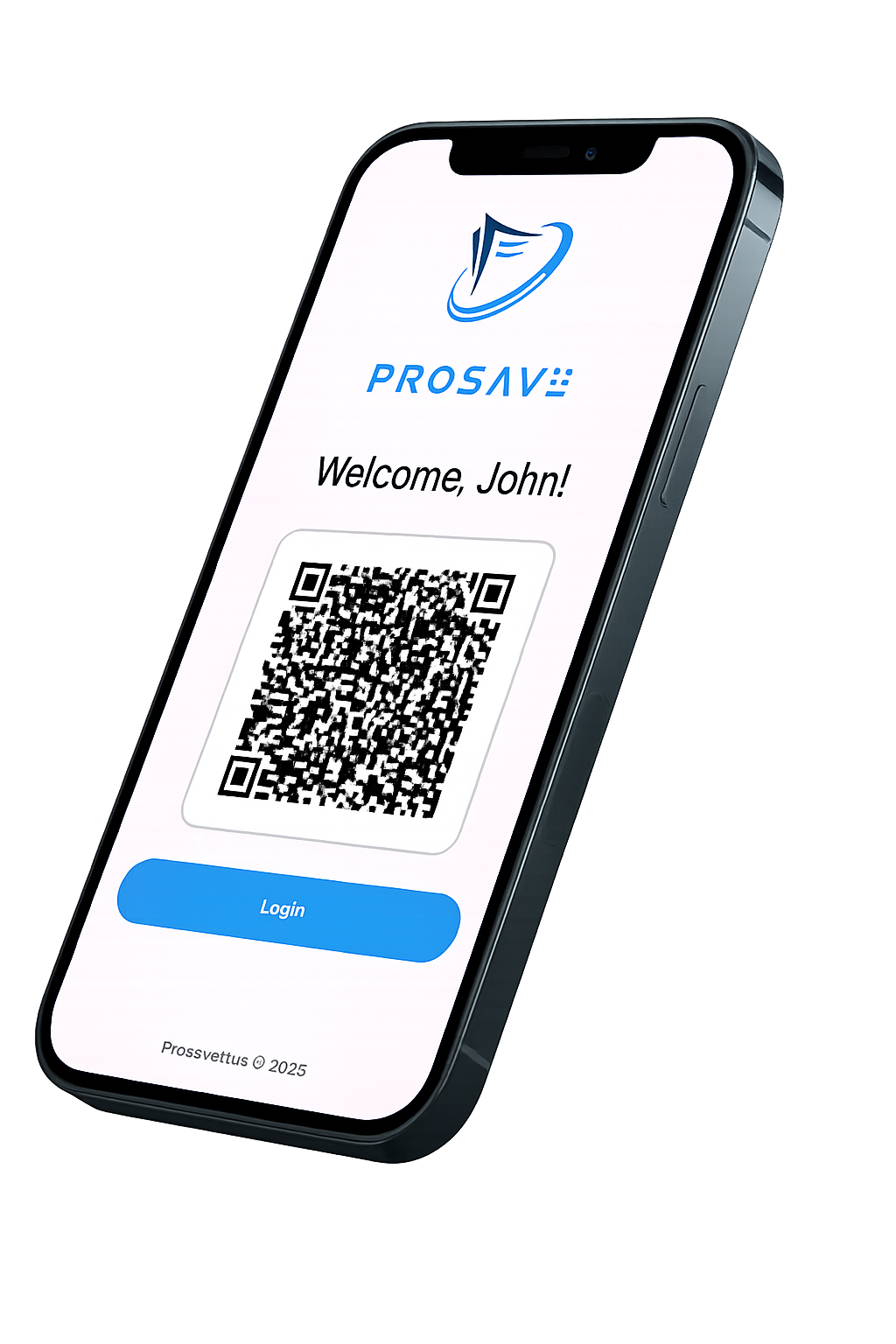
Easy and fast
"An easy, fast, and efficient solution, optimizing your time exceptionally."
Sharing
"Easily share invoices, documents, and folders of any size with anyone in your contacts."
Security and Encryption
"We secure your transactions with strong encryption."
Verification and Control
"Take charge of your invoices, documents, wherever you are, at any time."
Backup and Guarantee
"Secure your documents/invoices with our guaranteed protection."
Support
"An application providing efficient support to meet your needs."
Pricing Plan

Find your ideal plan. Get started now!
Free
- 5 images per Image-to-PDF conversion
- Create up to 10 folders
- Upload up to 3 docs per day
- Mailbox transfer limit: 100 per day
- 2 years document retention
- 2 GB total storage
- 1× Dashboard Access
- 1× Free backup and share service
- 1× Personal Account
- No Professional Account
$11.99
- 10 images per Image-to-PDF conversion
- Create up to 300 folders
- Upload up to 200 docs per day
- Mailbox transfer limit: 300 per day
- 5 years document retention
- 10 GB total storage
- 2× Personal Accounts
- 2× Professional Accounts
- Priority processing
- 1× Dashboard Access
- 1× Free backup and share service
$19.99
- 20 images per Image-to-PDF conversion
- Create up to 10,000 folders
- Upload up to 1,000 docs per day
- Mailbox transfer limit: 1,000 per day
- 10 years document retention
- 30 GB total storage
- 2× Personal Accounts
- 5× Professional Accounts
- Advanced AI features
- Smart automation & priority queue
- 1× Dashboard Access
- 1× Free backup and share service
- Custom number of folders and users
- Custom storage (GB / TB) based on your needs
- Multi-user accounts with role management
- Professional dashboard & analytics
- AI-powered document automation
- Advanced sharing and team workspaces
- Enterprise mailbox processing
- Dedicated customer support
Our Provied Service

We have adopted a market-driven approach to create a digital application that addresses the evolving needs of users. Our team combines market research and innovative ideas to develop a cutting-edge app that provides a seamless user experience.
Create an Account
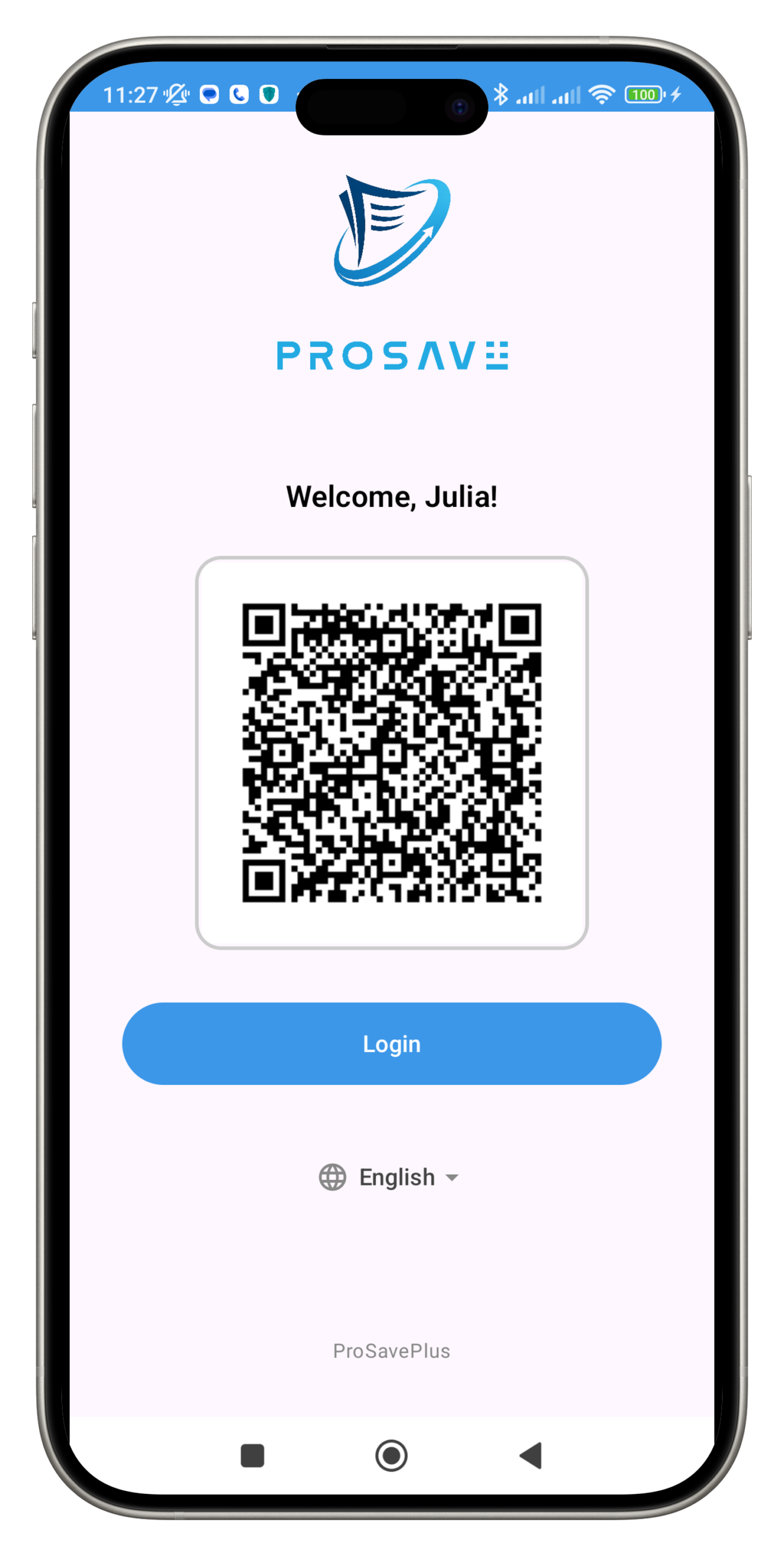
Create an account in a few simple steps to fully enjoy all the features of our application. Fill in the required information and get quick and secure access to your personal account.
Backup
Safely backup your important data with our automatic backup feature. No need to worry about losing valuable information anymore; our application allows you to store and access your files with ease.
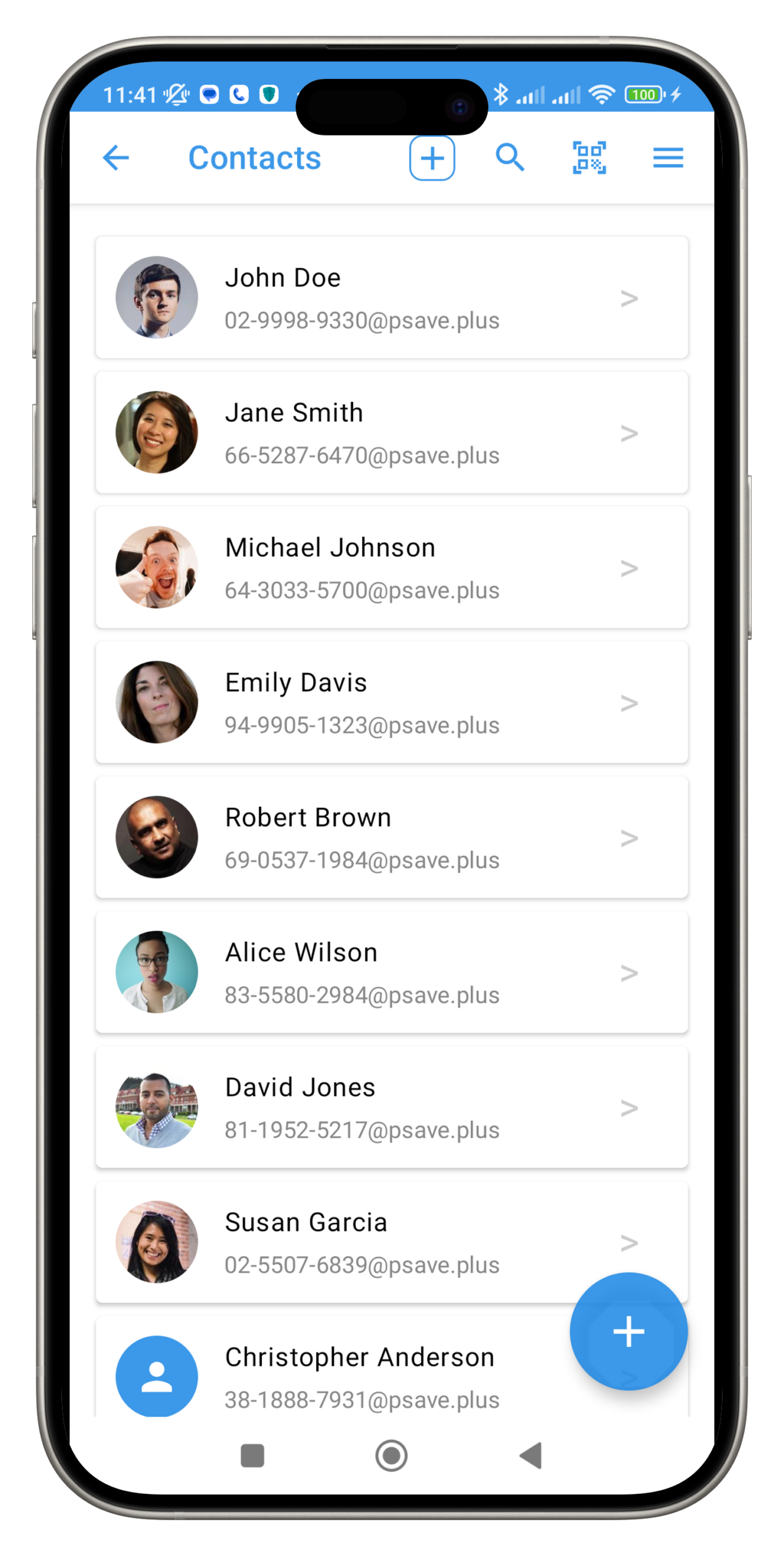
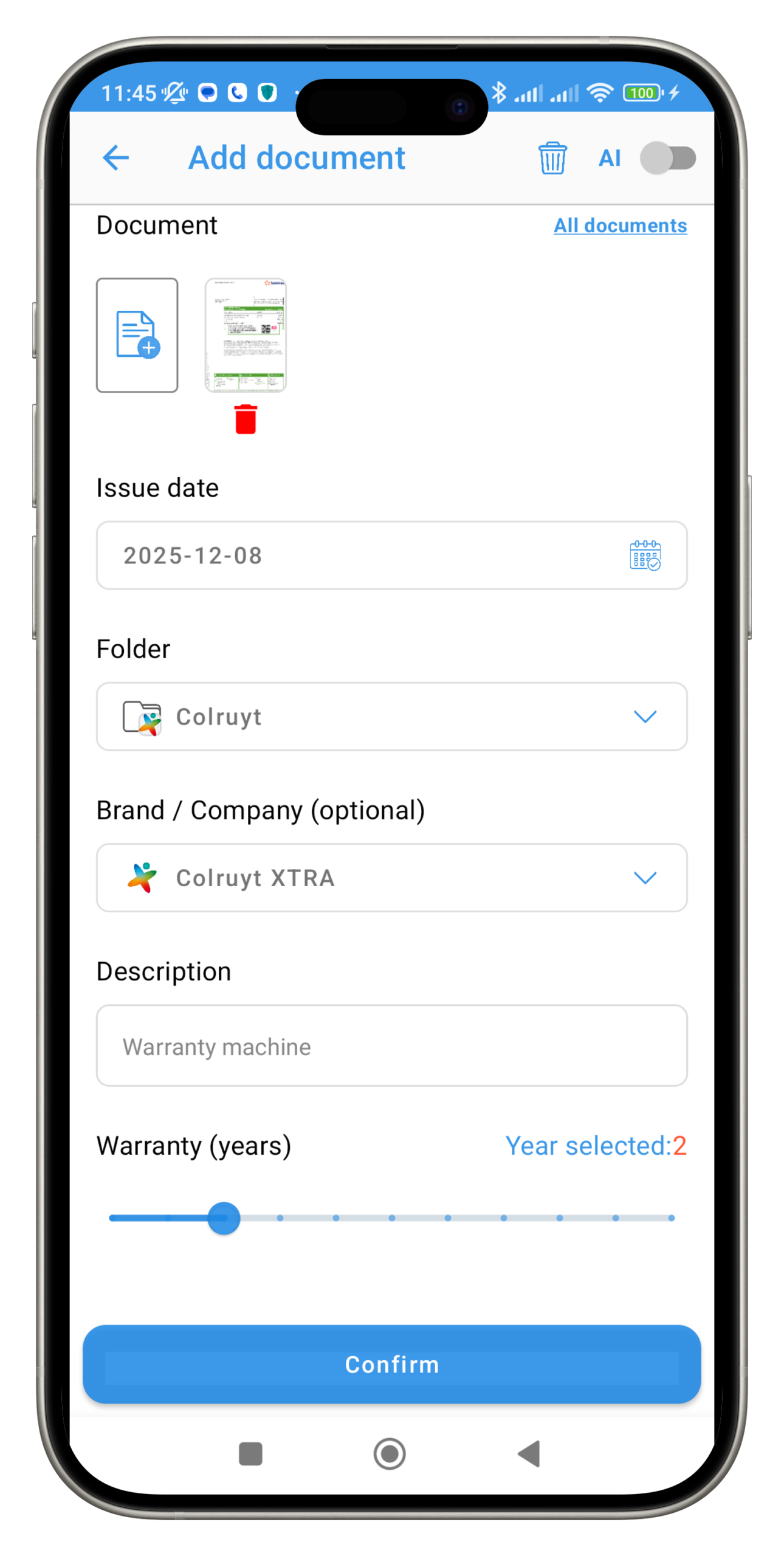
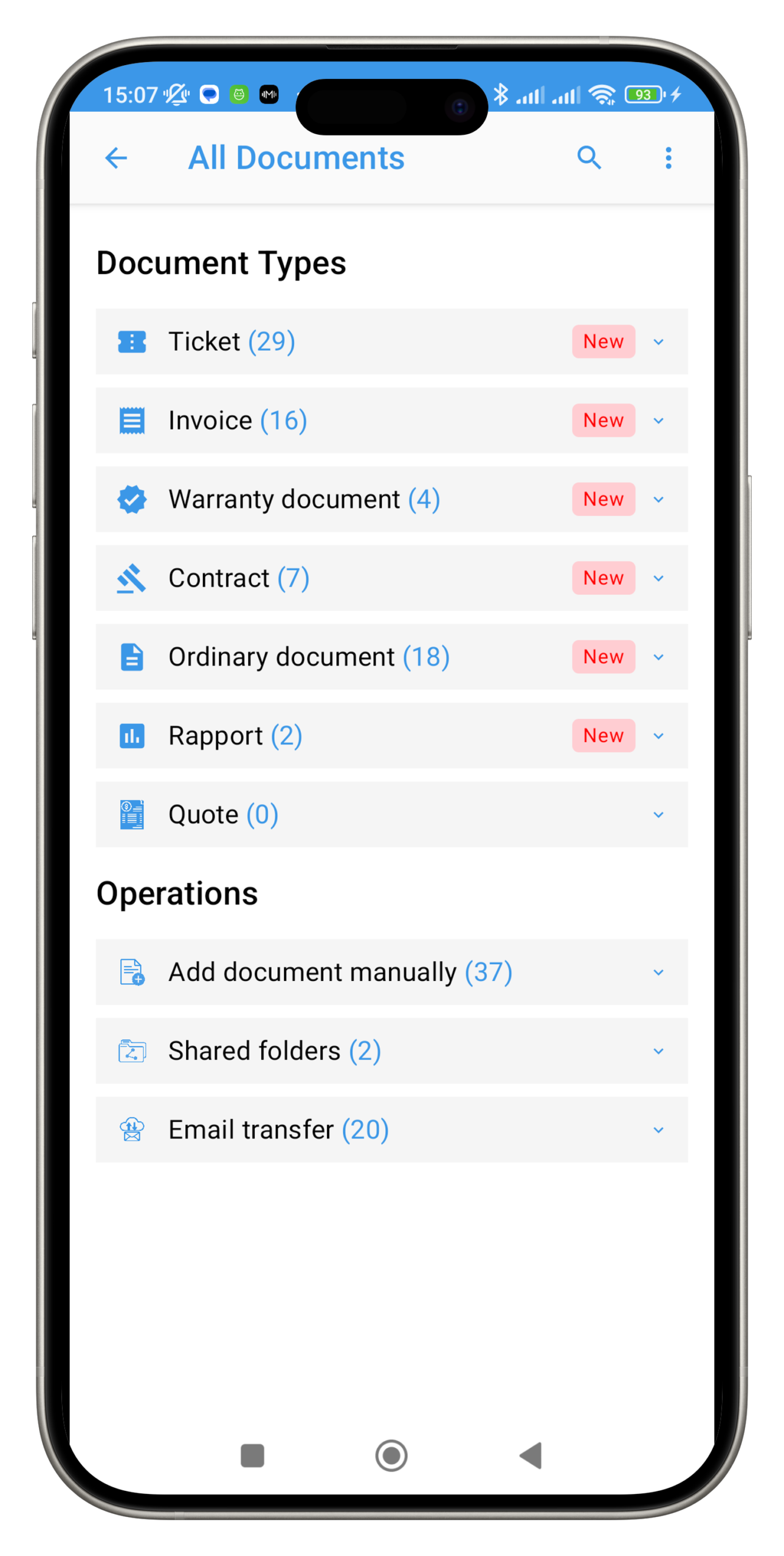
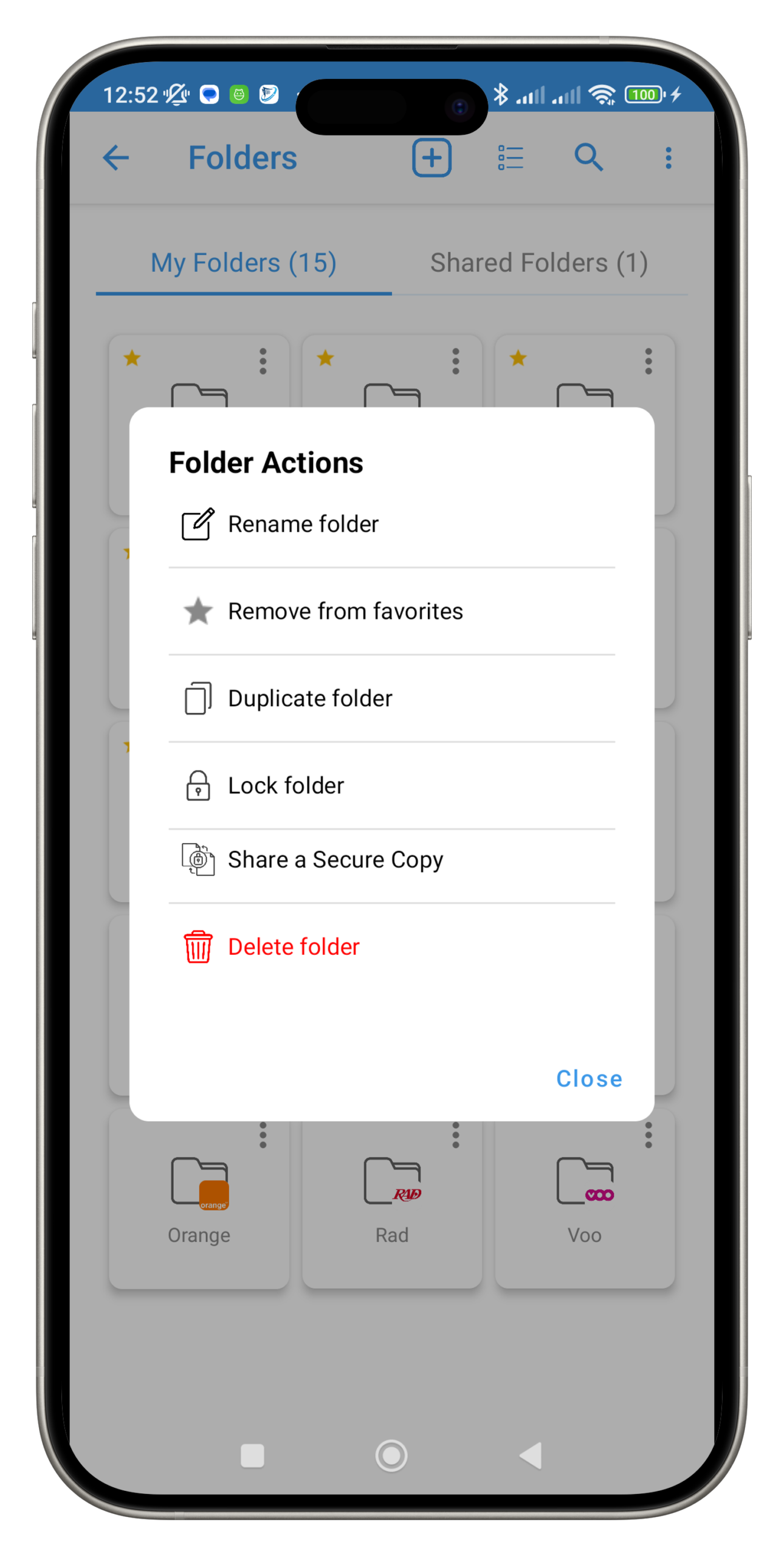
Scan
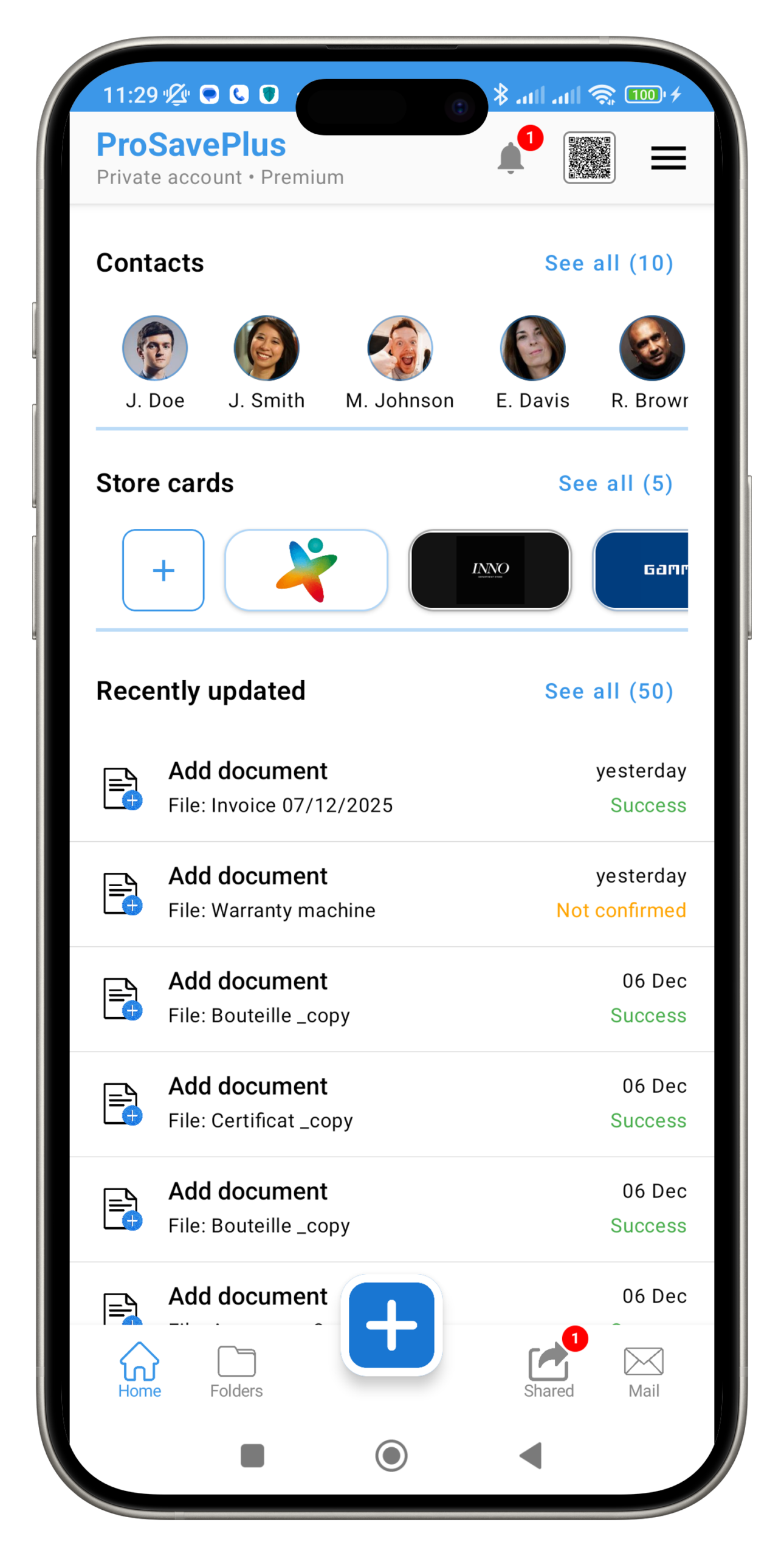
Easily scan documents, QR codes, and more with our built-in scanning feature. Quickly capture the information you need and simplify your daily tasks with this convenient functionality.
Share
Effortlessly share content with your friends and colleagues using our integrated sharing feature. Transfer files, photos, videos, and more in an instant and stay connected with your contacts wherever you are.
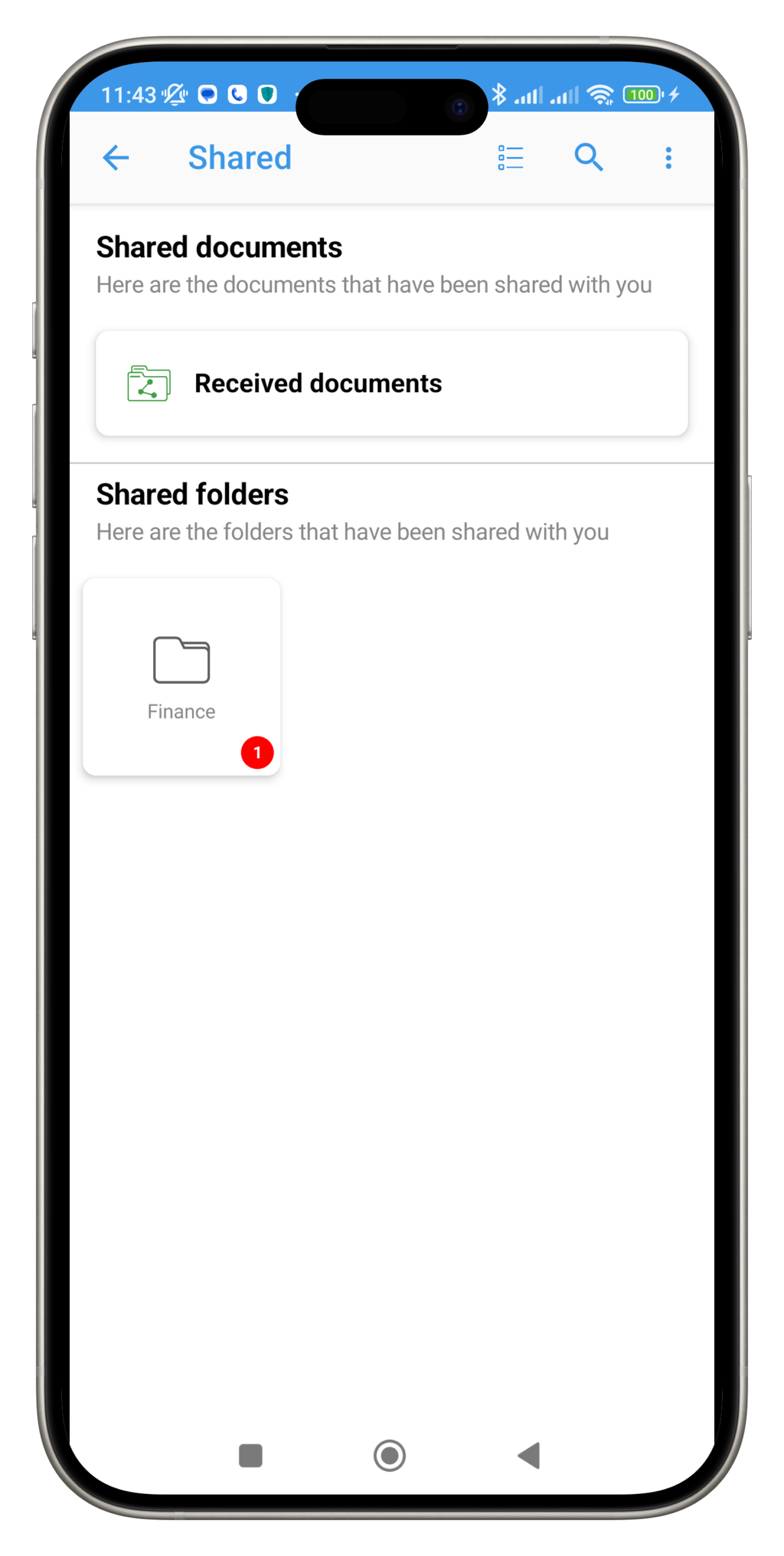
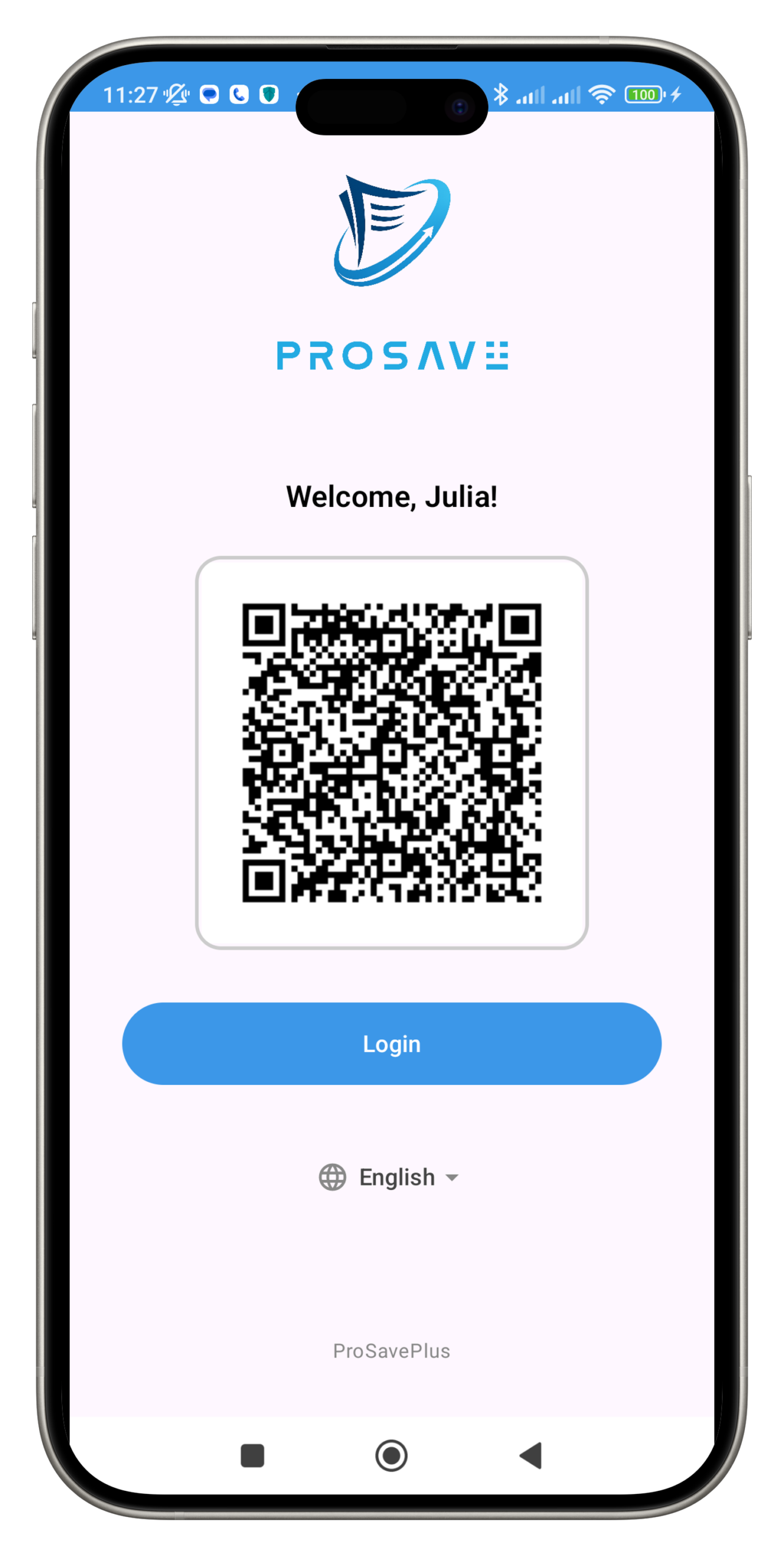
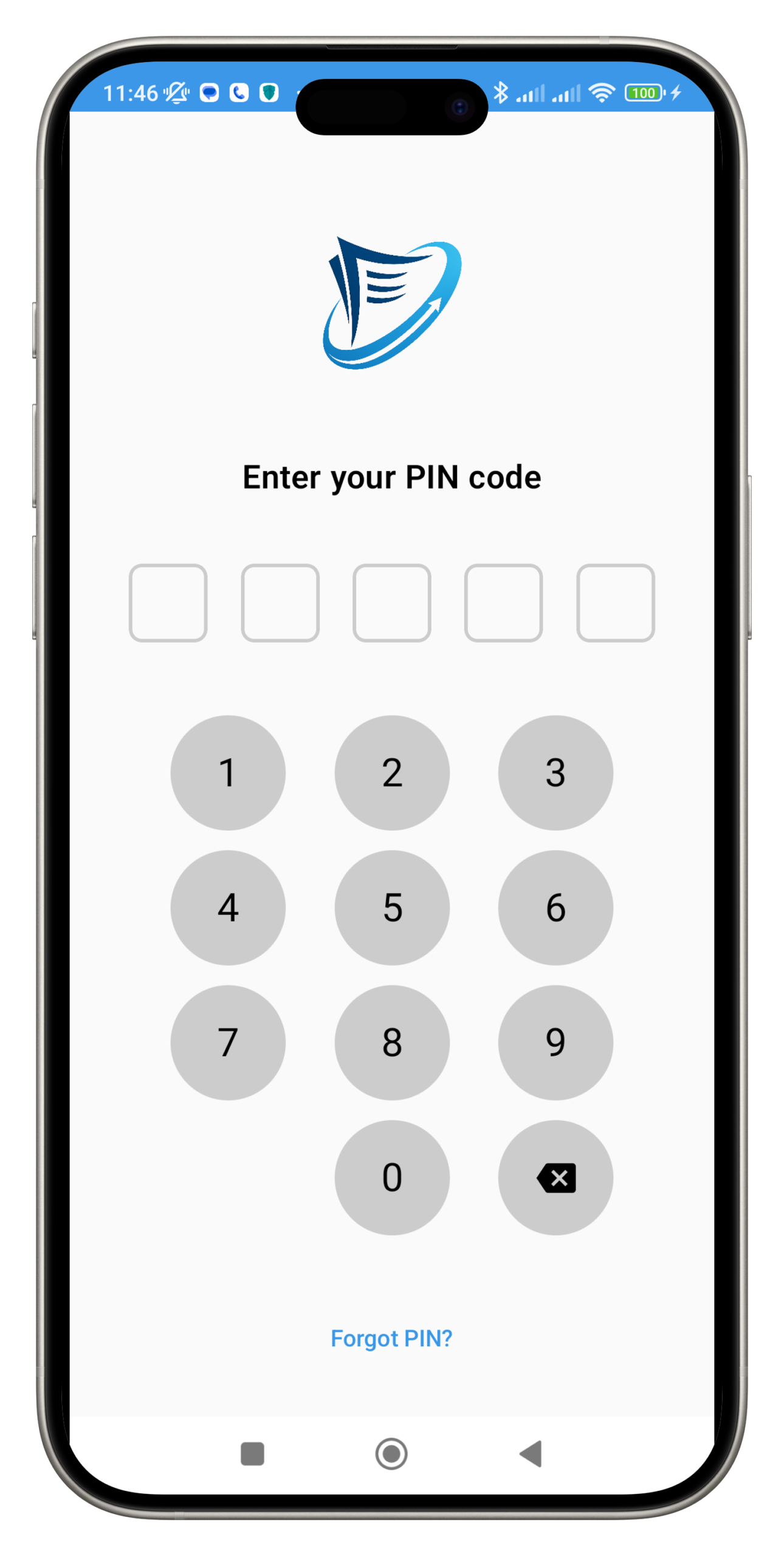
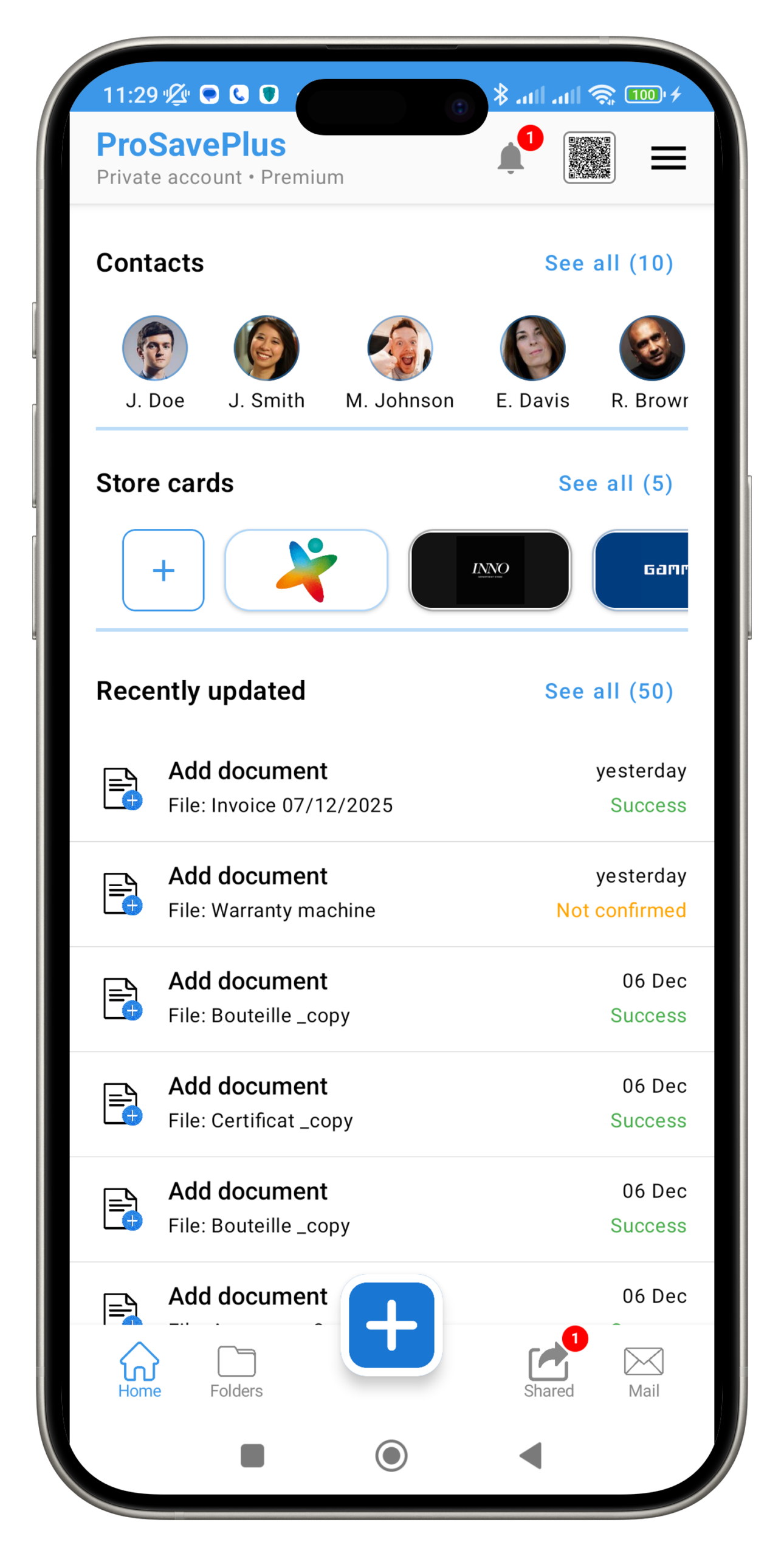
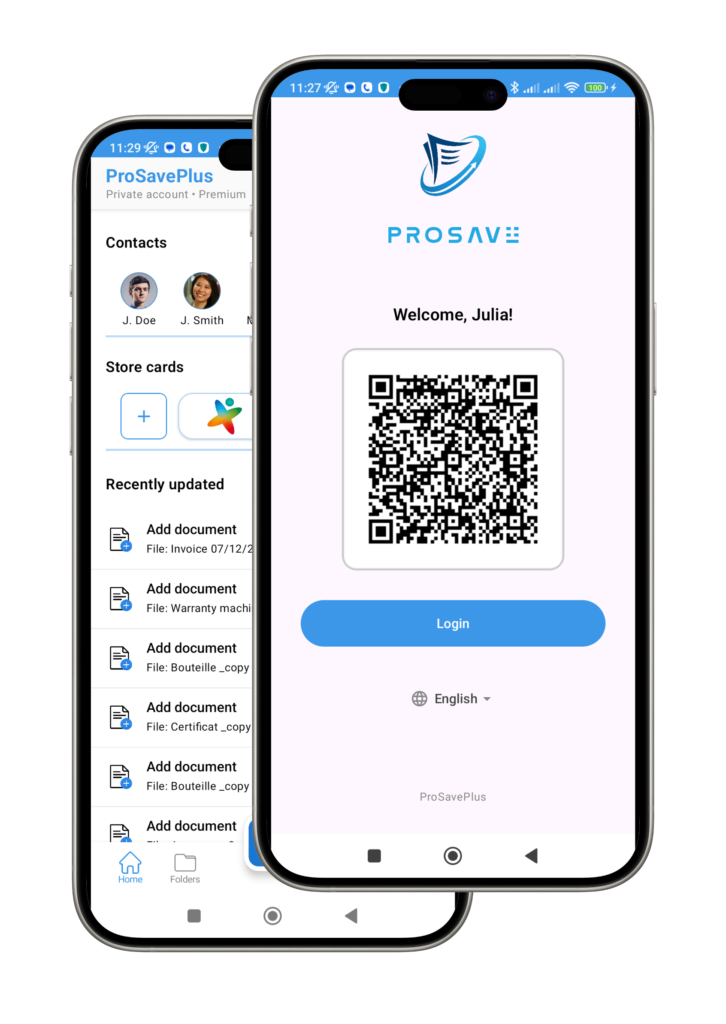
App Screenshots
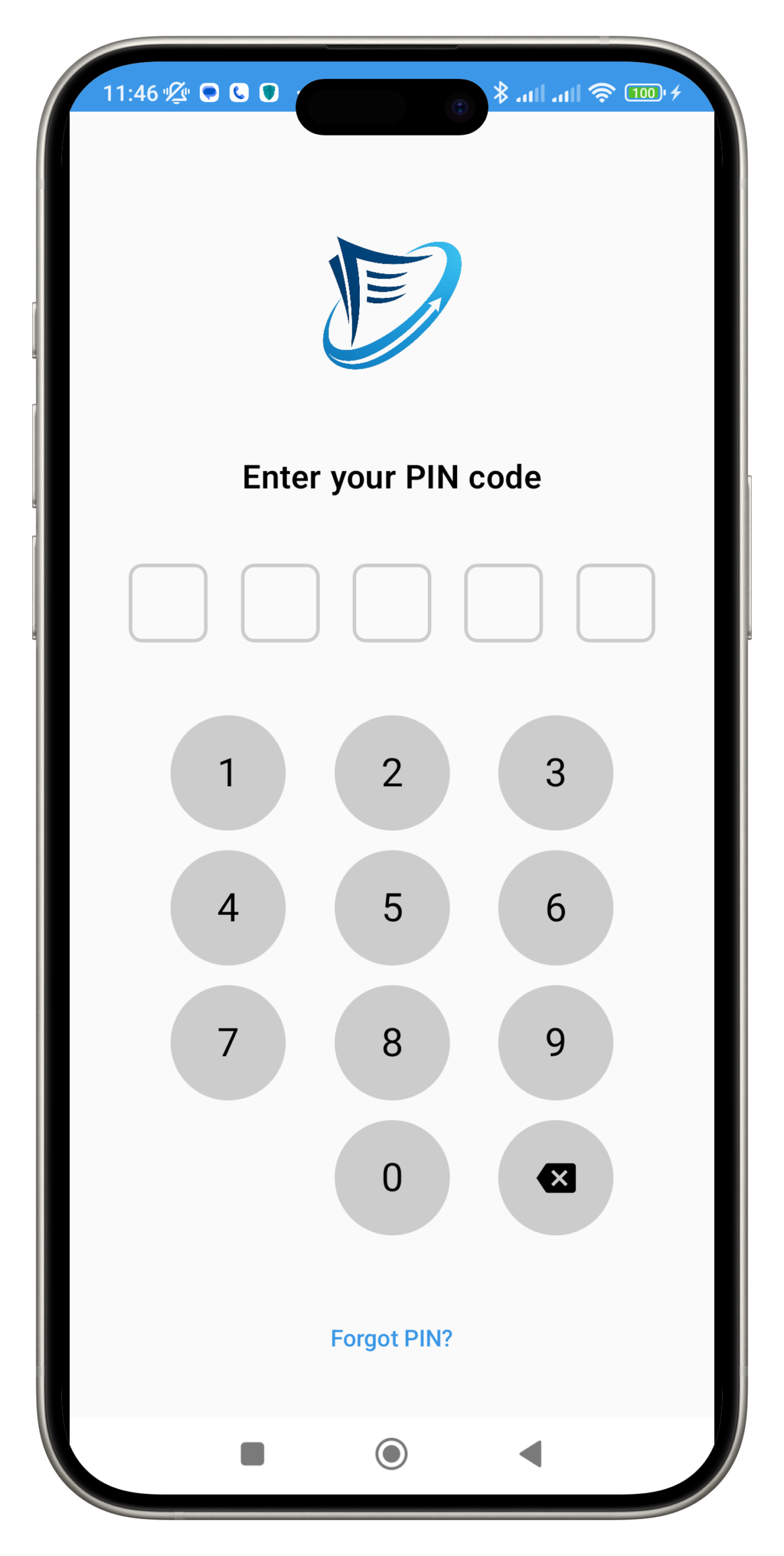
Explore the visual interface of our application at a glance with these screenshots.
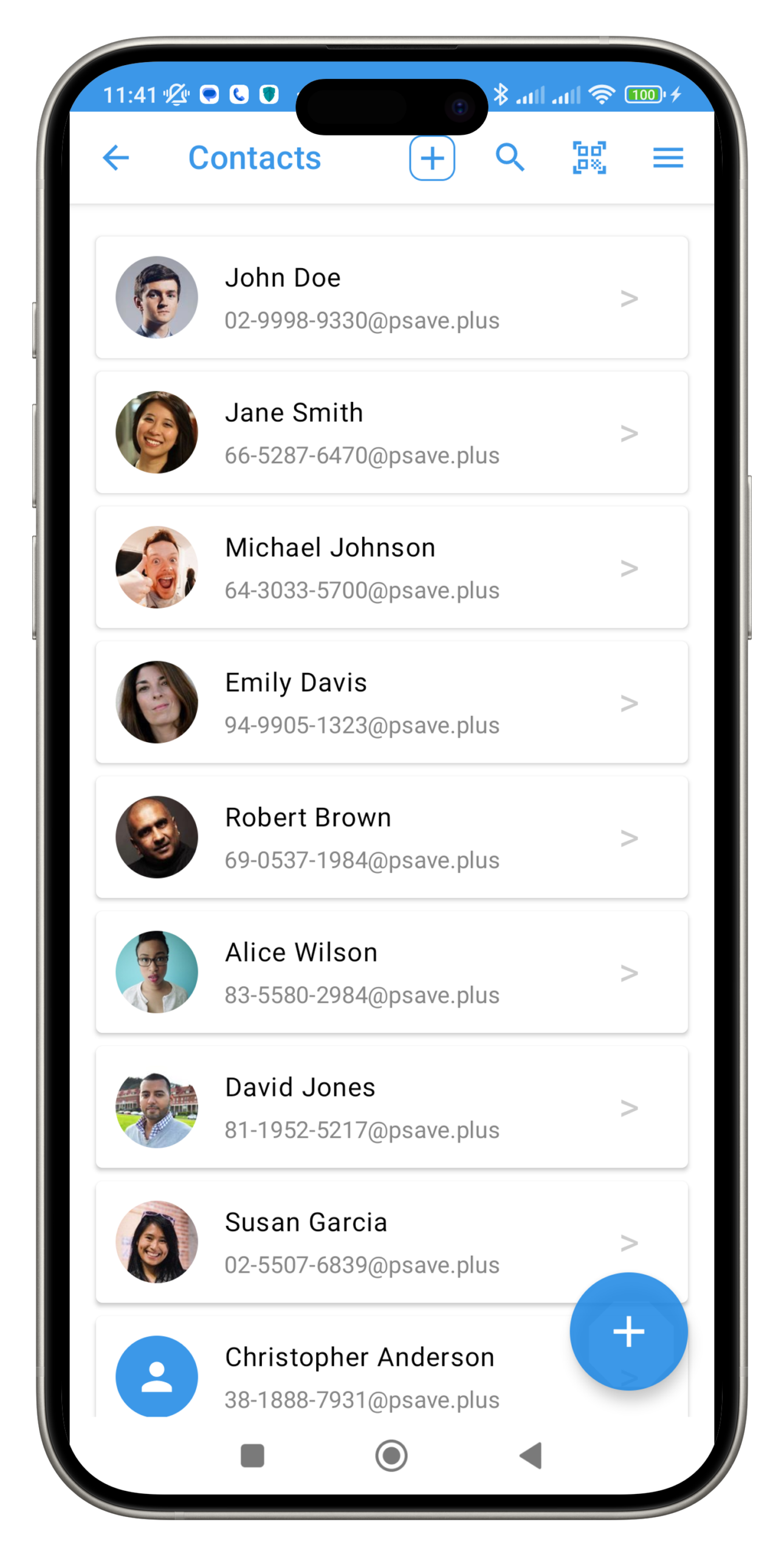
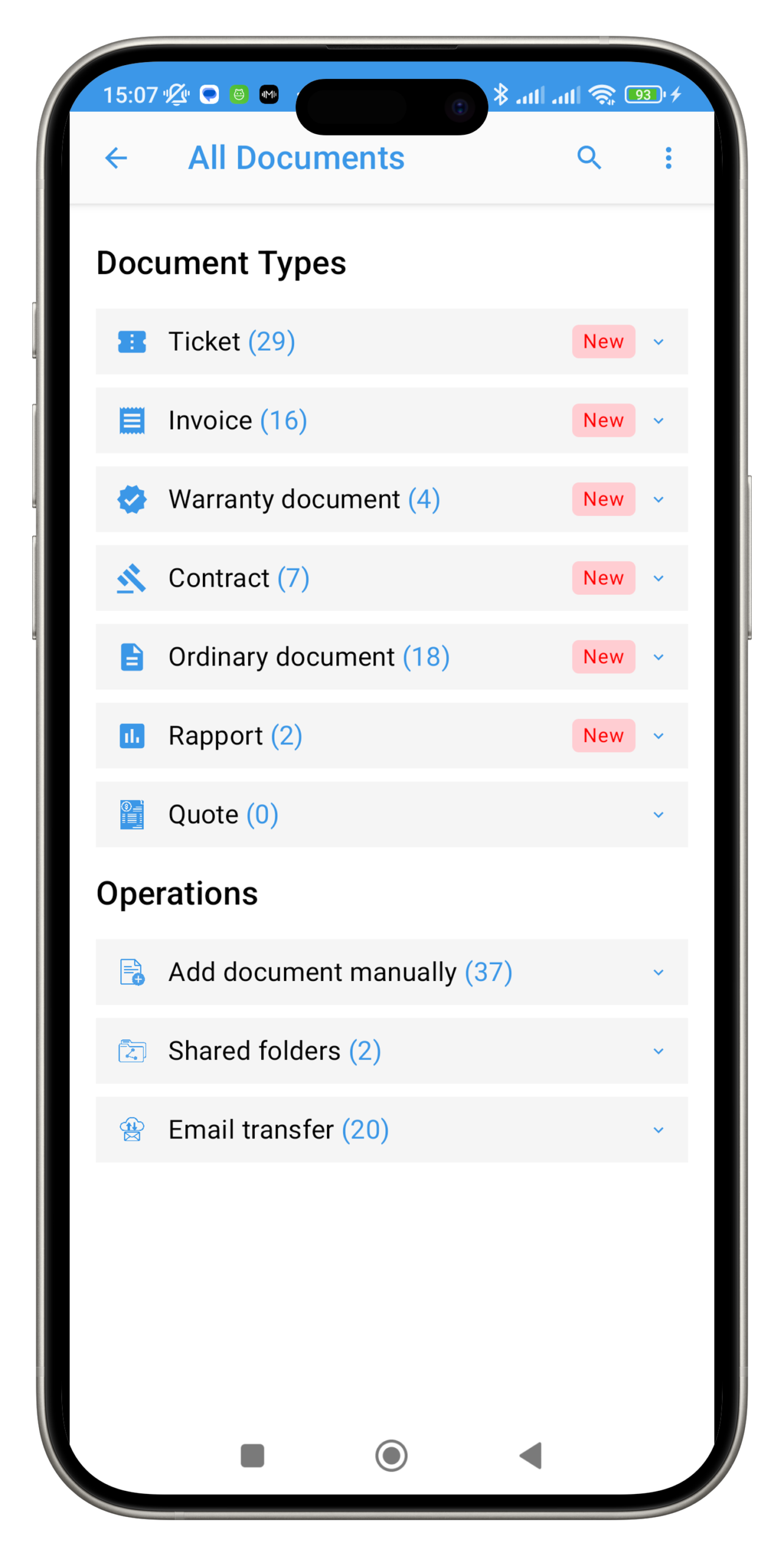
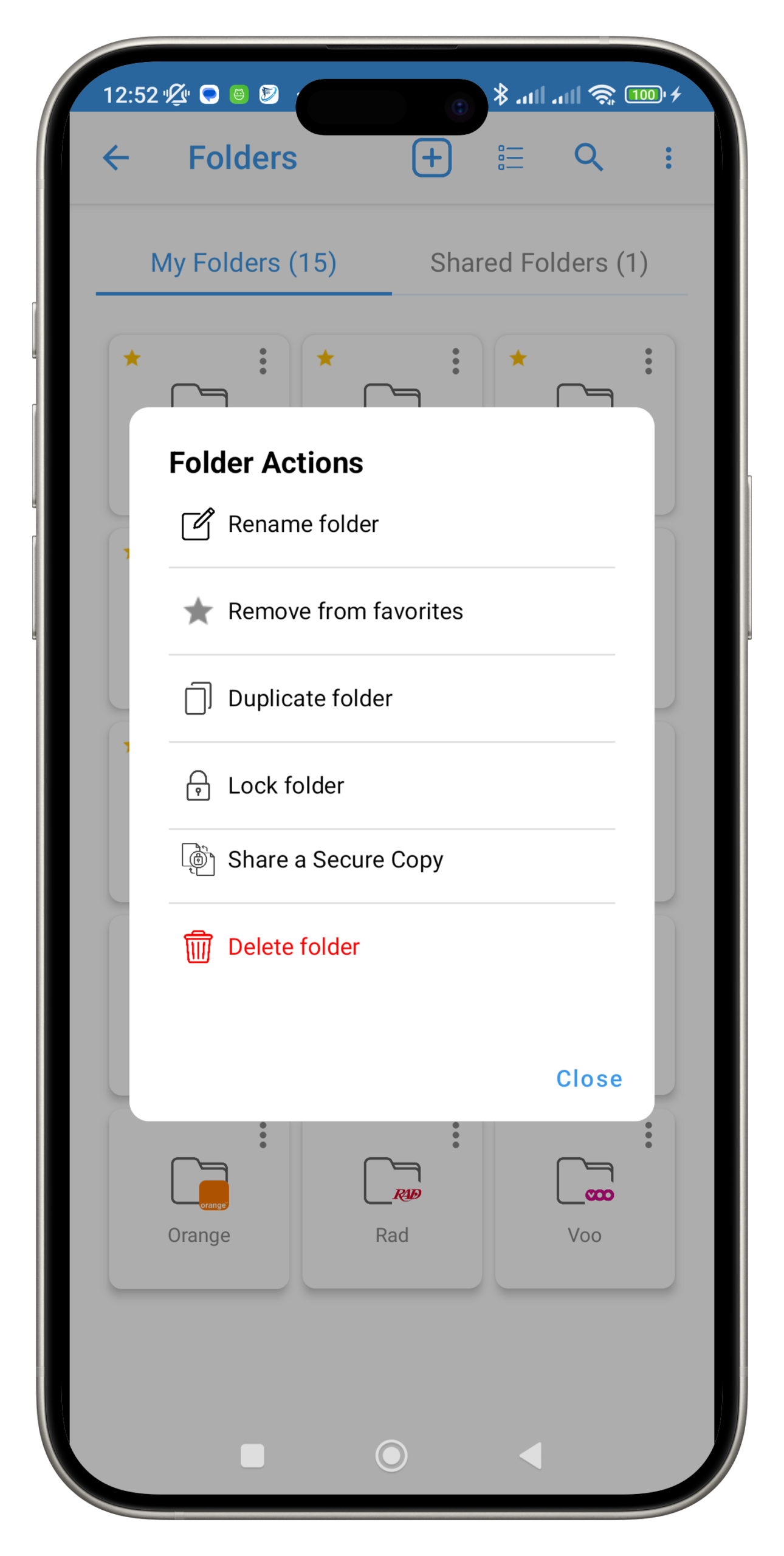
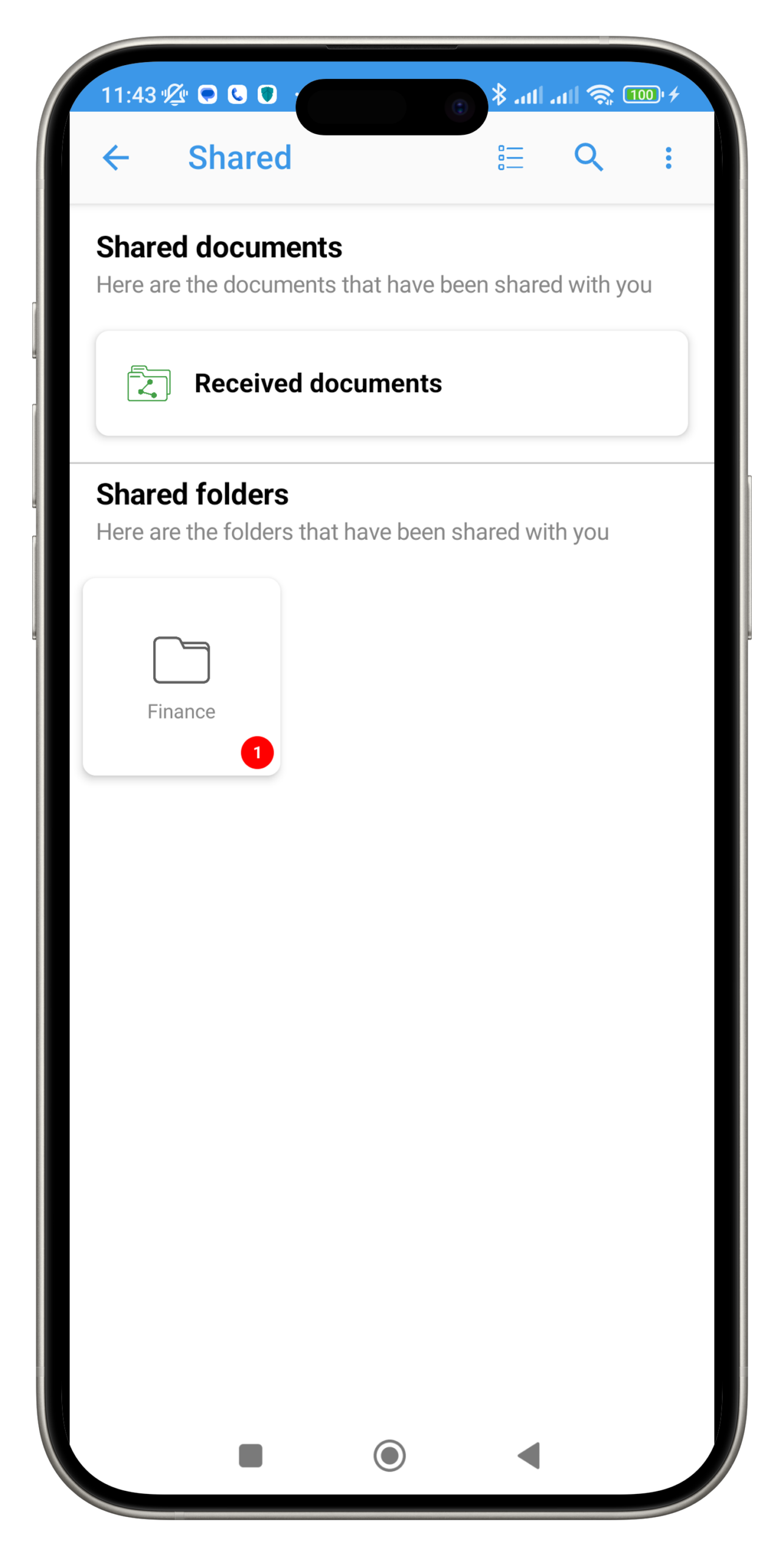
Frequently Asked Questions
"Find clear answers to the most common questions about using ProSavePlus and managing your digital documents efficiently."
1. What is ProSavePlus?
ProSavePlus is an application designed to centralize, organize, and secure all your important documents such as invoices, warranties, receipts, contracts, loyalty cards, and PDF files.
Using artificial intelligence, the app automatically analyzes your documents, extracts important information, and organizes them into the correct folder.
2. Who is ProSavePlus designed for?
ProSavePlus is made for individuals, families, freelancers, and small businesses who want to manage their documents efficiently.
Partner stores can also send invoices and warranty documents directly to their customers through ProSavePlus.
3. Which devices support ProSavePlus?
The application currently works on Android.
Additional platforms will be supported in future updates.
4. How can I add a document to ProSavePlus?
You can add your documents in several ways:
by scanning them with your camera,
by importing a PDF or image,
by sharing a document from another app,
by receiving files directly through your dedicated ProSavePlus email address,
by letting the AI analyze and organize the document automatically.
5. What types of documents are supported?
ProSavePlus supports:
invoices,
warranty documents,
receipts,
contracts and certificates,
miscellaneous PDFs,
loyalty cards,
administrative documents.
Each document can be linked to a folder, brand, store, loyalty card, or document type.
6. Can ProSavePlus manage my warranties?
Yes. The app automatically detects:
purchase date,
warranty duration,
expiration date,
store of purchase.
You can view all your warranties in one organized place.
7. Will I receive reminders before my warranty expires?
Yes. ProSavePlus automatically sends:
a reminder 30 days before expiration,
another reminder 7 days before expiration.
This ensures you never miss an important deadline.
8. What happens if a store is a ProSavePlus partner?
Partner stores can:
automatically send invoices directly to your account,
add warranty documents to your folders,
offer warranty extensions or exclusive promotions.
9. Can I store my loyalty cards in the app?
Yes.
You can save your loyalty cards, link them to folders or stores, and simplify the automatic organization of your documents.
10. How are loyalty cards used inside ProSavePlus?
They allow the app to:
identify your preferred stores,
automatically classify your documents,
offer personalized promotions and catalogues.
10. How are loyalty cards used inside ProSavePlus?
They allow the app to:
identify your preferred stores,
automatically classify your documents,
offer personalized promotions and catalogues.
11. Can stores collaborate with ProSavePlus?
Yes, they can:
send invoices directly to the app,
publish catalogues,
share promotions and personalized coupons,
offer warranty extensions.
12. Do I get a dedicated ProSavePlus email address?
Yes.
Every user receives a personal ProSavePlus email address that allows them to receive:
invoices,
contracts,
PDF documents,
attachments from external services.
All received documents are added automatically to your account.
13. What happens when I receive an email on my ProSavePlus address?
The app automatically:
detects attached PDFs,
analyzes the document with OCR,
extracts key information,
creates the document inside your account,
organizes it into the correct folder,
sends a notification once the process is complete.
14. What is the ProSavePlus AI assistant?
Available in Premium, Premium+ and Business plans, the AI assistant can:
read documents using OCR,
automatically fill in titles, dates, amounts and other details,
recognize stores and brands,
classify documents automatically,
track warranties and send reminders,
optimize folder organization.
15. Can the AI classify my documents automatically?
Yes.
It analyzes the document, detects its type, identifies the brand or store, and places it in the appropriate folder — saving you time every day.
16. Will I receive catalogues and promotions?
Yes.
ProSavePlus can display:
personalized promotions,
store catalogues,
coupons,
exclusive discount codes.
These offers depend on your saved brands, stores, and folders.
17. What plans are available?
Free
Limited storage
Manual upload
ProSavePlus email address
Basic folder management
Premium
AI + OCR
Automatic classification
Warranty reminders
More storage
Premium+
Advanced AI automation
Smart extraction & auto-filling
Automatic warranty organization
Personalized promotions
Business
All Premium+ features
Multi-user accounts
Professional document management
Store & partner integrations
18. Are my documents secure?
Yes.
ProSavePlus uses secure encryption, protected servers, and strict confidentiality policies.
Your data is never sold or shared without your consent.
19. What happens if I lose my phone?
Your documents are backed up in the ProSavePlus cloud.
All you need to do is log in from another device to recover everything.
20. Can I delete my account and data?
Yes.
Deleting your account permanently removes all your documents in accordance with GDPR regulations.
ProSavePlus is Awesome !
It’s Free to Download for Everyone
Our app is available on the Google Play Store and the App Store. Download it now and enjoy its features on both Android and iOS platforms.






Download
Address
- 15, Rue Henri Baron
- 4000, Liège, Belgium
- +32-466210270